You recorded a one-hour podcast, webinar or live stream. Somewhere inside it are five or six moments that would work as Shorts, Reels or TikToks. Finding them by hand means scrubbing the timeline, cutting, reframing to vertical and adding captions, and that can take an afternoon for every episode.
AI clipping tools do the first pass for you. You upload the video or paste a link, the tool picks the strongest moments, reframes them to 9:16 and adds animated captions. You review, adjust and publish.
We compared four tools from the AI Mentor directory built for this job, OpusClip, vidyo.ai (now called quso.ai), VEED and Kapwing.
The short answer
- Pick OpusClip if clipping is the main job and you want a free plan to test it every month.
- Pick quso.ai if you post irregularly and prefer to pay per minute of video instead of a subscription.
- Pick VEED if you also need a full online editor, subtitles and translation in the same place.
- Pick Kapwing if you work with a team and want to describe the clips you need in plain words.
Side by side
 OpusClip |
 quso.ai (vidyo.ai) |
 VEED |
 Kapwing |
|
|---|---|---|---|---|
| How you pay | Free plan or monthly subscription | Credit packs, no subscription | Free start, then yearly or monthly plans | Free plan or Pro subscription |
| Free option | 60 credits a month, watermark, clips exportable for 3 days | Free account, pay only for the minutes you process | Free to start | 10 credits, watermark, exports up to 4 minutes at 720p |
| Paid entry | Starter, $9 a month at the time of writing, 150 credits | 1 credit = 1 minute of video processed | Creator plan, no watermark, 1080p | Pro, $16 a month billed yearly or $24 monthly |
| Clip picking | AI clipping with a virality score | Clips auto-scored by virality | AI Clip Generator with topic prompts | Clip Maker from a plain-language request |
| Captions | Animated captions in 20+ languages | Word-level animated captions in 99 languages | Dynamic captions | Auto-subtitling with credits |
| Extras | Scheduler, Premiere Pro and DaVinci Resolve export on Pro | Scheduler, brand kit, text-based editor | Silence and filler word removal, 4K and translation on Pro | Brand kit, shared workspace, 4K and 200 GB on Pro |
Plans checked on each official pricing page on October 28, 2026. VEED and quso.ai show prices in your local currency, so open their pricing pages to see the amount for your country.
OpusClip
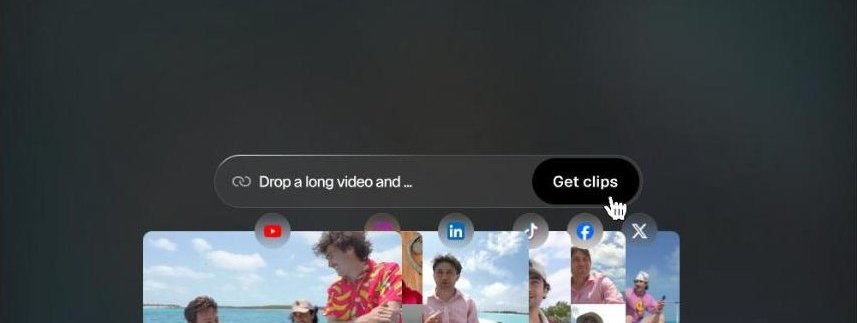
OpusClip is built only for this job. You drop a long video, it finds the moments with the best hooks, gives each clip a virality score and adds animated captions. The free plan includes 60 credits a month, so you can test it on real episodes before paying, but free clips carry a watermark and can only be exported for 3 days.
The Pro plan adds the features teams ask for, such as square and horizontal formats besides vertical, a social media scheduler and export to Adobe Premiere Pro and DaVinci Resolve for a final human edit.
Best for podcasters and creators who publish clips every week and want the most clipping features in one tool.
quso.ai (formerly vidyo.ai)
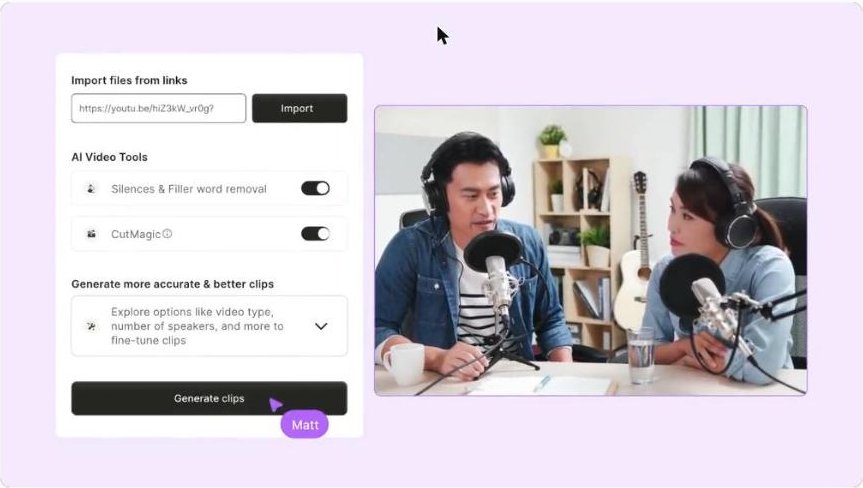
vidyo.ai now runs under the name quso.ai, and the old address redirects there. The biggest difference is how you pay. There is no subscription. You buy credit packs once, and 1 credit equals 1 minute of video processed, which suits people who publish in bursts.
Beyond clipping, quso.ai includes word-level captions in 99 languages, filler word removal, a brand kit for fonts and colors, a text-based editor and a scheduler to publish across platforms.
Best for small businesses and coaches who post a few times a month and do not want another monthly bill.
VEED
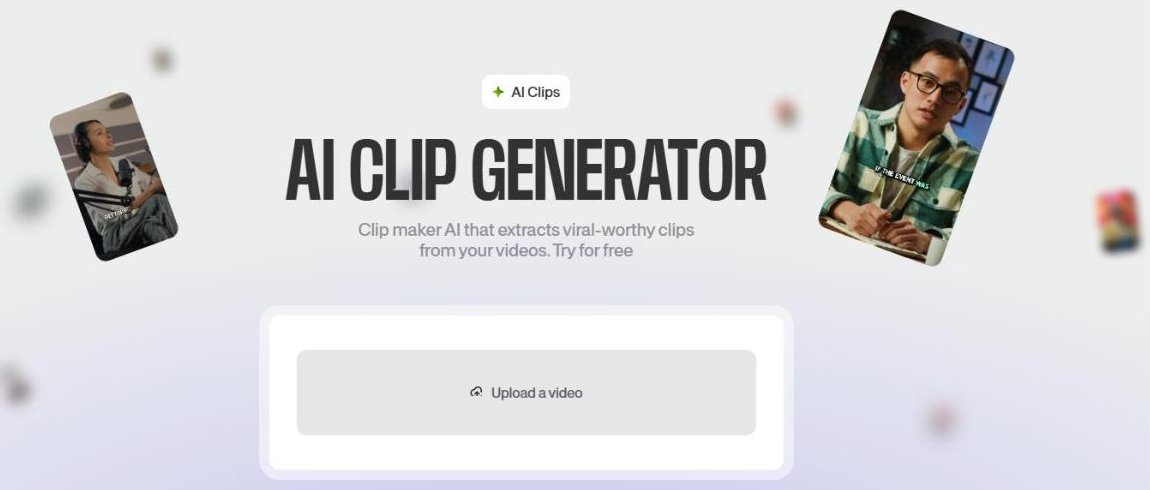
VEED is a complete online video editor, and its AI Clip Generator is one tool inside it. You upload a podcast or webinar, tell the AI which topics to highlight, and it cuts the clips, removes silences and filler words and adds dynamic captions.
The advantage is everything that comes after the clip. Subtitles, translation to 50+ languages on the Pro plan, brand kits and 4K export live in the same editor, so you can finish the video without moving files between apps.
Best for marketers who want one editor for clips, ads, subtitles and translated versions.
Kapwing
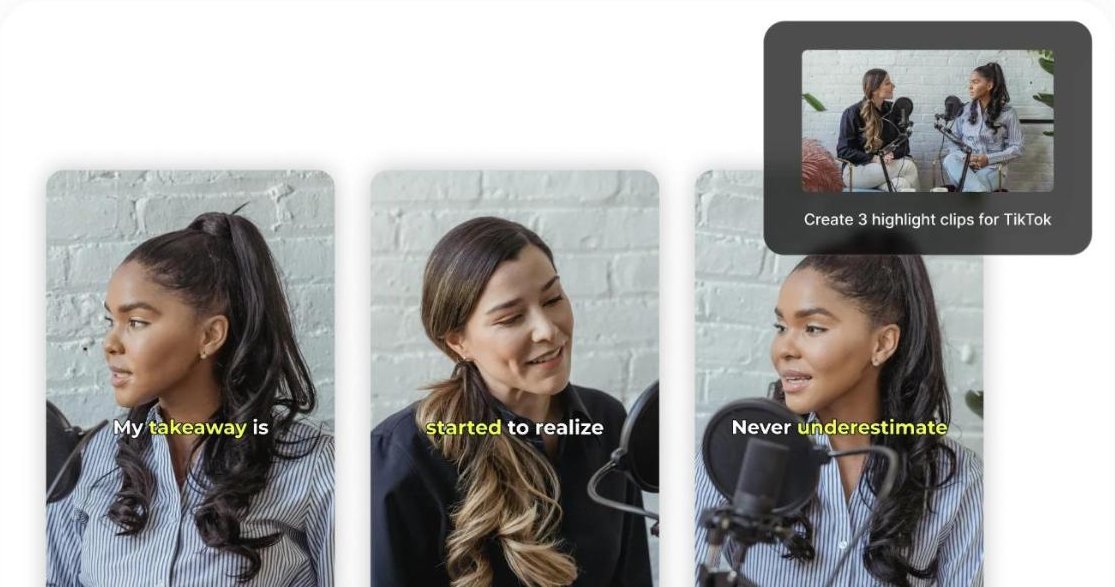
Kapwing takes a conversational approach. In the Clip Maker you describe what you need, such as three highlight clips for TikTok, and it returns captioned clips. Its Repurpose Studio turns one video into a set of social-ready clips.
The free plan is enough to try it, with exports up to 4 minutes at 720p and a watermark. Pro removes the watermark, exports in 4K, handles projects up to 2 hours and adds a shared workspace for teams.
Best for content teams that collaborate on the same projects and brand assets.
How to get better clips from any of them
- Start with good audio. Clean sound makes the captions more accurate and the AI’s picks more reliable.
- Say the point first. Clips work when the speaker states the idea in the first seconds, so check that each clip opens with the hook.
- Review every caption. Names, brands and technical terms are where auto captions fail most.
- Keep your brand consistent. Set fonts, colors and logo once in the brand kit so every clip looks like yours.
- Post, then learn. Track which clips get watched to the end and use that to choose topics for your next long video.
Which one should you pick
If you only want to test the idea, run the same episode through the free plans of OpusClip and Kapwing and compare the clips they choose. If you publish now and then, quso.ai’s pay-per-minute credits are the lightest commitment. And if you need subtitles, translation and a full editor anyway, VEED keeps everything in one place.
Need a voice for your clips? See our guide on how to turn a script into a natural voiceover with AI.
FAQ
Can I clip a YouTube video I don’t own?
The tools accept links, but you still need the rights to the content you publish. Use your own videos or footage you have permission to reuse.
Which tool has a free plan without a watermark?
None of the free options we checked removes the watermark. OpusClip and Kapwing add one on free exports, and removing it requires a paid plan.
Is vidyo.ai the same as quso.ai?
Yes. vidyo.ai now operates as quso.ai, and vidyo.ai links redirect to the new site.
Keep reading: How to learn AI: the step-by-step roadmap · How to make a video without filming yourself · How to automate repetitive work without code · All AI video creation and editing tools.