You need a video for a course, a product page or social media, but you don’t want to be on camera. Maybe you don’t have the time, the equipment or simply the comfort to record yourself, and hiring a presenter is not in the budget.
AI video tools now cover this in two ways. Avatar tools put a realistic AI presenter on screen to read your script. Faceless tools build the video from voice, stock footage and generated scenes, so nobody needs to appear at all.
We compared four tools from the AI Mentor directory, two of each kind, Synthesia, HeyGen, invideo and Fliki.
The short answer
- Pick Synthesia for training and company videos presented by an AI avatar.
- Pick HeyGen if you want an avatar that looks and sounds like you, in many languages.
- Pick invideo if you want AI agents to assemble and edit a full video from your footage or a prompt.
- Pick Fliki for faceless videos for TikTok and Shorts built from text, voices and stock media.
Side by side
 Synthesia |
 HeyGen |
 invideo |
 Fliki |
|
|---|---|---|---|---|
| Style | AI avatar presenter | AI avatar presenter, including your own | AI agents that edit on a timeline | Faceless text to video with AI voices |
| Free option | Basic, 500 credits a month, watermark | 3 videos a month up to 1 minute, watermark | Check the pricing page | 3 credits a month, 720p, watermark |
| Paid entry | Starter, $29 a month or $18 a month billed yearly | Creator, $29 a month | Basic from about $5 per seat a month billed yearly, during a 50% off offer | Standard, priced in your local currency |
| Avatars | 125+ AI avatars on Starter | 500+ presenters and a custom avatar of you | Not avatar-based | Limited stock avatars on Standard |
| Languages | Video dubbing in the credits | 175+ languages and dialects on Creator | AI voice and music tools | 80+ languages, voice cloning on Standard |
| Removes watermark | From Starter | From Creator | Check the pricing page | From Standard |
Plans checked on each official pricing page on October 28, 2026. Several of these tools run limited-time discounts and Fliki shows prices in local currency, so confirm the amount for your country before you subscribe.
Synthesia
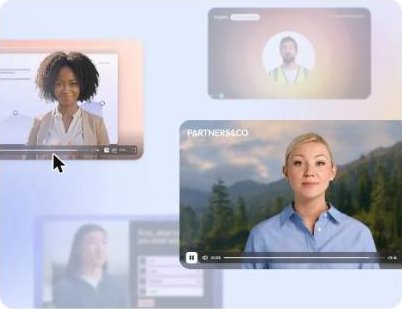
Synthesia is built for companies. You type a script, choose one of more than 125 AI avatars on the Starter plan and get a presenter-led video, with templates for training, onboarding and internal updates. The free Basic plan lets you try it with 500 credits a month, but videos carry a Synthesia watermark.
Starter removes the logo, lets you download your videos and adds an AI video assistant. Its credits also cover dubbing, which helps when the same training needs to reach teams in other countries.
Best for HR, training and internal communication teams.
HeyGen
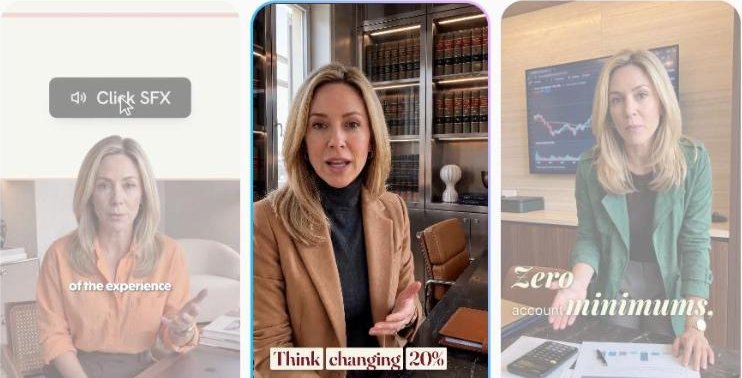
HeyGen’s standout feature is the custom avatar. Even the free plan includes one custom video avatar plus more than 500 ready-made presenters, so you can test a digital version of yourself before paying. Free videos are limited to 3 a month, up to 1 minute each, with a watermark.
The Creator plan exports in 1080p without HeyGen branding, adds a custom avatar with your own voice and likeness and supports more than 175 languages and dialects, which makes it strong for creators who publish in several markets.
Best for creators, coaches and marketers who want to appear on video without recording every time.
invideo
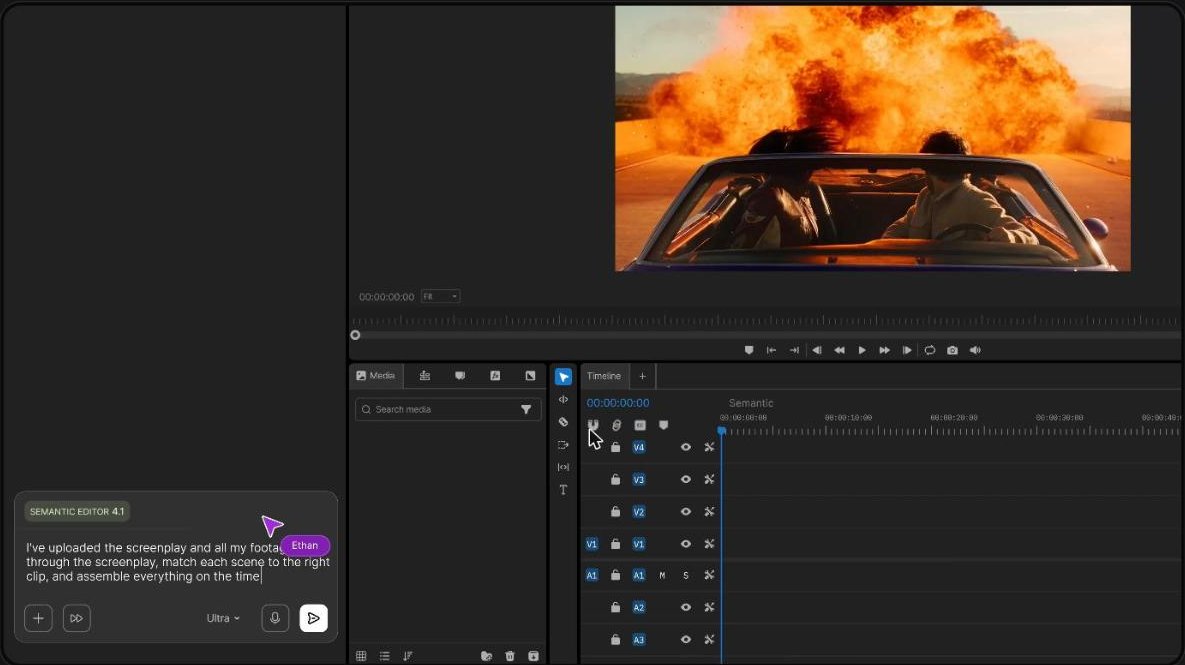
invideo has moved beyond simple script-to-video. It now works as an agentic video editor, where you describe the edit and AI agents place clips on a multi-track timeline that you can still adjust by hand. Plans include access to AI video models and premium stock footage, so you can build a video without filming anything.
Pricing is credit-based and per seat. At the time of writing invideo was offering 50% off yearly plans, with Basic at about $5 per seat a month and Pro at $15.
Best for editors and small teams who want AI speed but still need control over the final cut.
Fliki
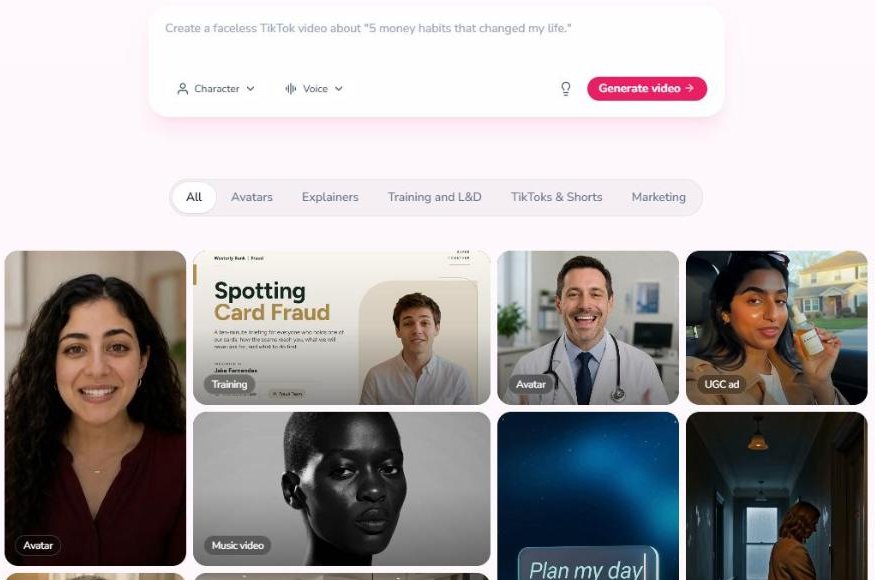
Fliki is the most direct route to faceless content. You write an idea, a script, a blog post or upload slides, pick a voice and Fliki builds the video with stock images, clips and music. The free plan gives you 3 credits a month to try it, with 720p exports and a watermark.
The Standard plan moves to 1080p, videos up to 15 minutes, translation to more than 80 languages, voice cloning and commercial rights.
Best for faceless channels, bloggers and marketers turning written content into video.
How to make an AI video that doesn’t feel fake
- Keep it short. One idea per video and under two minutes for social media.
- Write like you talk. Avatars and AI voices sound natural only when the script does.
- Add real context. Screenshots, product footage or slides make the video credible.
- Be transparent. Tell viewers when a presenter is an AI avatar, especially in ads and training.
- Get consent. Only create an avatar or voice clone of someone who has agreed to it.
Which one should you pick
If you want a presenter, test the free plans of Synthesia and HeyGen with the same script. Choose Synthesia for company training and HeyGen if the presenter should be you. If you would rather nobody appears, Fliki is the fastest way to turn text into a faceless video, and invideo gives you more editing control.
Already have a long video? See how to turn one long video into Shorts and Reels automatically. Need only the voice? Read how to turn a script into a natural voiceover with AI.
FAQ
Can I make a video with AI without showing my face?
Yes. Use an AI avatar from Synthesia or HeyGen as the presenter, or create a faceless video with Fliki or invideo using voice, stock footage and generated scenes.
Can I create an AI avatar of myself?
HeyGen includes one custom video avatar even on the free plan, and its Creator plan adds a custom avatar with your own voice and likeness.
Do free plans add a watermark?
Yes. The free options of Synthesia, HeyGen and Fliki add a watermark, which is removed on paid plans.
Keep reading: How to learn AI: the step-by-step roadmap · How to automate repetitive work without code · All AI video creation and editing tools.