You wrote the script. Now you need a voice. Hiring a voice actor takes days and costs more than most small projects can justify, and recording yourself means a quiet room, a decent microphone and several retakes.
AI voice tools solve this in minutes. You paste the text, pick a voice, adjust the pace and download the audio. The question is which tool fits your project, because they differ a lot in price, number of languages and what you are allowed to do with the audio.
We compared three tools from the AI Mentor directory that people use most for this job, ElevenLabs, Murf AI and Speechify.
The short answer
- Pick ElevenLabs if you want the cheapest way to start with commercial rights and the widest language coverage.
- Pick Murf AI if you make training, presentation or explainer videos and want to work inside Canva, PowerPoint or Google Slides.
- Pick Speechify Studio if you produce a lot of audio every month and want the most hours for the price on an annual plan.
Side by side
 ElevenLabs |
 Murf AI |
 Speechify Studio |
|
|---|---|---|---|
| Free plan | About 10 minutes, no commercial license | Free trial | About 10 minutes, no commercial rights |
| Entry paid plan | Starter, $6/month, about 30 minutes | Creator, from $19/month billed yearly, 24 hours | Studio Starter, $100/year, about 24 hours |
| Next plan | Creator, $22/month, about 121 minutes | Business, from $66/month billed yearly, 96 hours | Studio Creator, $300/year, about 96 hours |
| Voices | Voice library plus your own cloned voice | 200+ | 1,000+ |
| Languages | 74 | 30+ languages and accents | 20 for voiceover |
| Voice cloning | Instant from Starter, professional from Creator | Professional on Enterprise | Not listed on the pricing page |
| Commercial use | From Starter | From Creator | From Studio Starter |
| Good extras | Instant voice cloning from $6 | Canva add-on, PowerPoint and Google Slides plugins on Business | Dubbing included in the credits |
Prices checked on each official pricing page on October 26, 2026. Plans change often, so confirm before you subscribe.
ElevenLabs
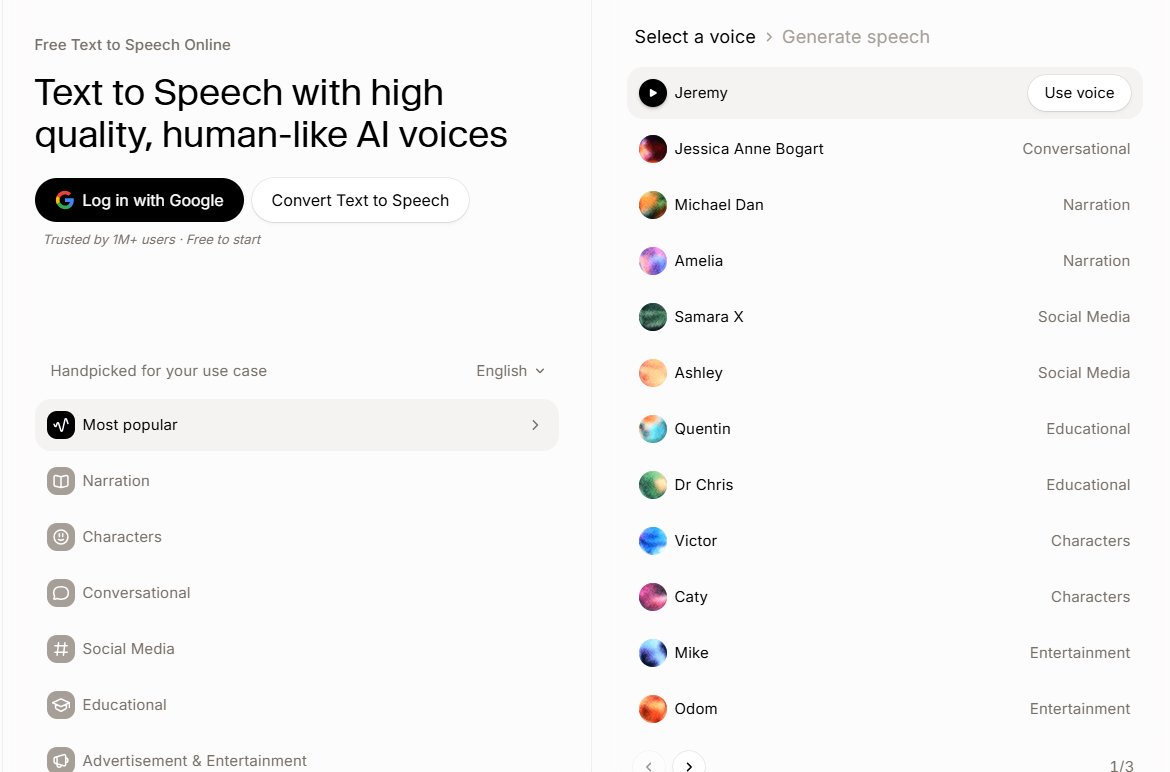
The easiest place to start. The free plan gives you about 10 minutes of audio to test voices, and the Starter plan unlocks commercial use and instant voice cloning for $6 a month. It supports 74 languages, which matters if you publish the same script for several markets.
The limit is volume. Minutes run out fast on the lower plans, so a weekly podcast or a long course will push you to Creator or Pro.
Best for creators testing AI voice for the first time, short videos and projects in many languages.
Murf AI
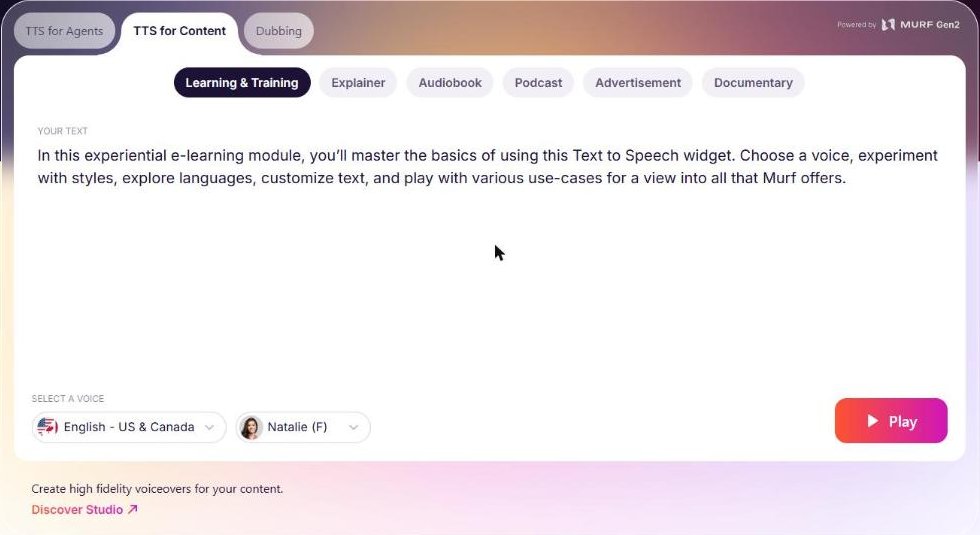
Murf AI is built around a studio editor. You can change how each word is pronounced, which helps with technical terms and brand names, and the Business plan adds emphasis and variability controls. It connects to Canva, and the Business plan adds plugins for PowerPoint and Google Slides.
The Creator plan includes 24 hours of voice generation with commercial rights. Professional voice cloning is only on the Enterprise plan.
Best for training teams, teachers and marketers who make explainer and presentation videos.
Speechify Studio
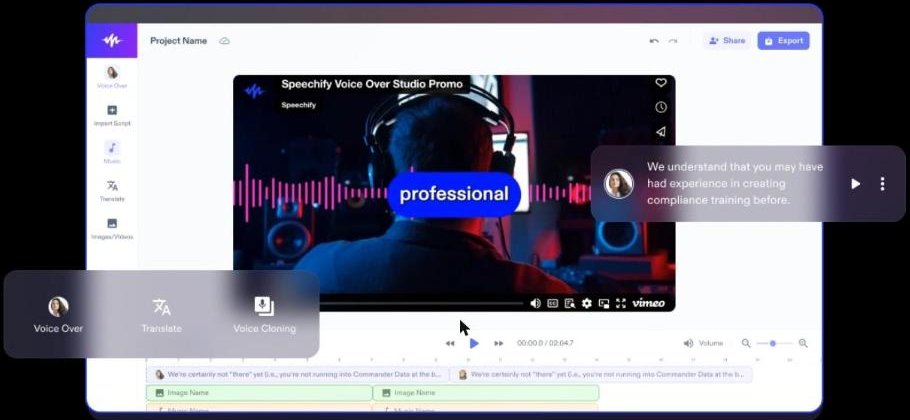
Speechify is best known for its reading app, but Speechify Studio is the product for voiceovers and dubbing. It has the largest voice library of the three, with more than 1,000 voices, and the annual plans include the most hours for the price.
Check the language list before you commit. The pricing page lists 20 languages for voiceover, fewer than the other two.
Best for teams that produce a high volume of narration in the main languages.
How to get a natural result with any of them
- Write for the ear. Short sentences and simple words sound more human than long written paragraphs.
- Spell it out. Write numbers, dates and acronyms the way you want them spoken.
- Test before you choose. Run the same paragraph through three or four voices.
- Slow down a little. Add short pauses between ideas and set the speed slightly below the default.
- Listen once, end to end. Catch mispronounced names before you publish.
Which one should you pick
If you are just starting, open a free account on ElevenLabs and Speechify and run the same script through both. If your work lives in slides and training videos, try Murf AI inside Canva. And if you need more than one language, start with ElevenLabs.
You can find more audio tools, including Podcastle for recording and editing podcasts, in the AI Audio category of the AI Mentor directory.
FAQ
Can I use AI voices in commercial videos?
Yes, on paid plans. None of the three free plans include commercial rights.
Can I clone my own voice?
ElevenLabs offers instant cloning from its $6 Starter plan. Murf AI offers professional cloning on Enterprise.
Which tool supports the most languages?
ElevenLabs, with 74 languages.
Keep reading: How to learn AI: the step-by-step roadmap · How to make a video without filming yourself · How to turn one long video into Shorts and Reels · All AI audio and voice tools.