You have a deadline and a reading list of 30 papers. Searching databases one keyword at a time and reading every abstract to see if it matters can take a whole weekend.
AI research tools cut that time. They find relevant papers, summarize them and show where each claim comes from. They are not the same tool, though. Some are built for quick answers, some for full literature reviews and some for checking whether a study holds up.
We compared four tools from the AI Mentor directory, Perplexity, Elicit, Scite and ScholarAI.
The short answer
- Pick Perplexity if you want quick answers with sources and a free way to search academic papers.
- Pick Elicit if you are doing a literature review and want papers summarized and organized in a table.
- Pick Scite if you need to know whether later studies support or challenge a paper before you cite it.
- Pick ScholarAI if you write with in-text citations and keep your library in Zotero or Mendeley.
Side by side
 Perplexity |
 Elicit |
 Scite |
 ScholarAI |
|
|---|---|---|---|---|
| Best at | Answers with inline citations and an Academic search mode | Literature reviews, research reports and data extraction | Smart Citations that show if a paper was supported, challenged or discussed | Finding papers and writing with in-text citations, now inside Jenni |
| Free plan | Yes, with limited weekly use | Unlimited search across 138M+ papers, summaries and chat with papers | No free plan, 7-day free trial | 5 one-time credits |
| Entry paid plan | Pro, $17/month billed yearly | Pro, $49 per user/month billed yearly ($588/year), or $75 billed monthly | Basic, $12/month billed yearly | Basic, $9.99/month for 50 credits a month |
| Next plan | Max, $167/month billed yearly | Scale, $229 per user/month billed yearly, or $375 billed monthly | Pro, $40/month billed yearly | Premium, $18.99/month with unlimited use |
| Where the papers come from | Live web search, with an Academic mode for papers | Semantic Scholar, PubMed and OpenAlex, plus ClinicalTrials.gov | 323M+ full-text articles and 1.6B+ citations | Millions of peer-reviewed papers (source not named) |
| Shows sources | Yes, inline citations | Yes, sentence-level citations | Yes, links to the exact sentence | Yes, 2,600+ citation styles |
| Upload your own PDFs | Yes, up to 40 MB per file | Yes, PDF, RIS and BIB | Yes, in the Assistant | Yes |
| Reference managers | Not listed | Zotero import, RIS export | Zotero plugin and browser extension | Zotero and Mendeley sync |
Prices checked on each official pricing page between November 6 and 11, 2026. Perplexity shows only the price billed yearly. Plans change often, so confirm before you subscribe.
Perplexity
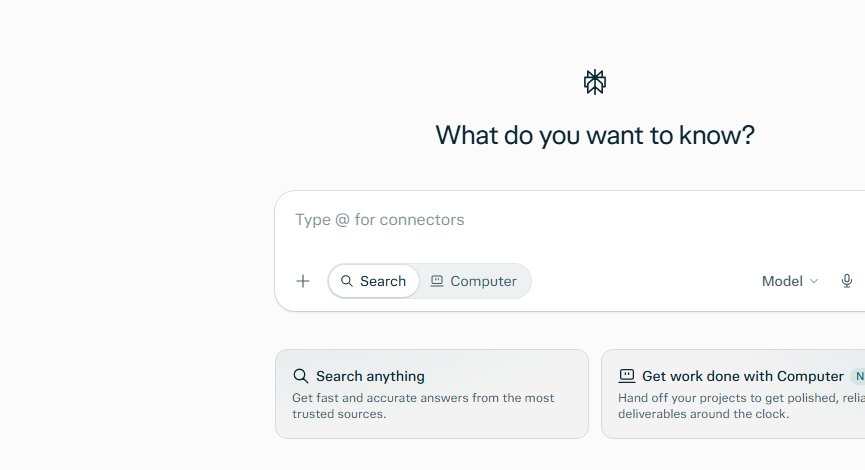
Perplexity is an AI search engine. You ask a question in plain language and get an answer with numbered citations, so you can open the page behind each claim. Switch the search to Academic and the results come from academic papers and databases.
It is the fastest way to get your bearings on a new topic. Perplexity itself recommends checking the linked sources, and that is good advice for any of these tools.
Best for students and professionals who need a quick, sourced overview before going deeper.
Elicit
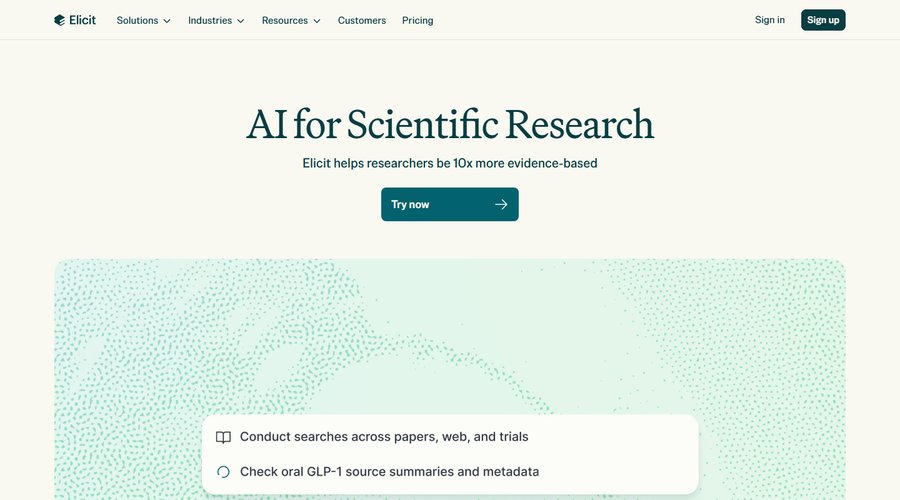
Elicit is built for literature reviews. It searches more than 138 million papers from Semantic Scholar, PubMed and OpenAlex, summarizes them and pulls data such as sample size or method into a table. The free plan already includes unlimited search and chat with papers.
One limit to know. When the full text is not available, Elicit works from the title and abstract only, and books and dissertations are not included.
Best for researchers and graduate students running a review across many papers.
Scite

Scite answers a different question. Its Smart Citations show how later studies cited a paper, whether they supported it, challenged it or just mentioned it. The Assistant answers questions from the literature and links each claim to the specific sentence in the specific paper.
There is no free plan, only a 7-day trial, and plans are billed yearly.
Best for anyone who needs to cite with confidence, from thesis writers to science journalists.
ScholarAI
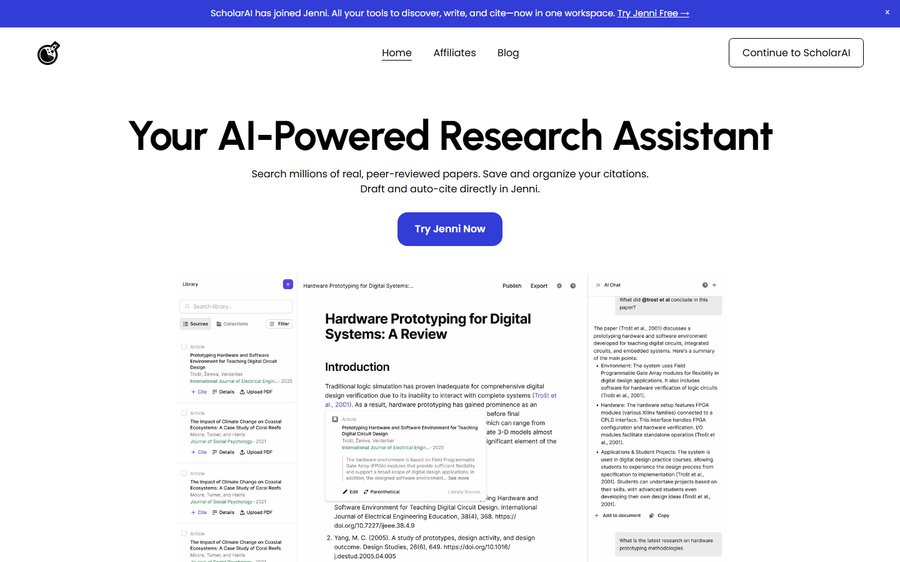
ScholarAI started as a paper search plugin for ChatGPT. Today its search tools power the research features of Jenni, a writing app. You search peer-reviewed papers, save them and write with in-text citations in more than 2,600 styles, and you can sync your Zotero or Mendeley library in one click.
The free plan gives 5 one-time credits, Basic gives 50 credits a month and Premium gives unlimited use, so test the free credits first.
Best for students who want to search and write in the same place.
A simple workflow for your next assignment
- Get the big picture. Ask Perplexity in Academic mode and note the key terms and authors.
- Build your reading list. Run the same question in Elicit and sort the papers in a table.
- Check the key papers. Look them up in Scite to see if later studies support or challenge them.
- Write with citations. Use ScholarAI inside Jenni or your reference manager.
- Read the original. Open every paper you cite and confirm the claim in the text.
Which one should you pick
If you are starting a new topic, begin with Perplexity and the free plan of Elicit. If you are writing a thesis or a review, add Scite to check your key sources. And if you want search and writing in one place, try ScholarAI.
For reading and explaining a single paper, see SciSpace in the AI Mentor directory. New to AI? Start with our guide How to Learn AI in 2026.
FAQ
Can I use these tools for free?
Perplexity and Elicit have free plans. ScholarAI gives 5 free credits. Scite has a 7-day trial and no free plan.
Can AI replace reading the paper?
No. These tools help you find and sort papers faster, but summaries can miss details. Elicit, for example, uses only the title and abstract when the full text is not available. Read the original before you cite it.
Which tool tells me if a study was challenged?
Scite. Its Smart Citations show whether later research supported, challenged or discussed a paper.
Keep reading: How to learn AI: the step-by-step roadmap · How to automate repetitive work without writing code · All research and Q&A tools.