You know what you want to say, but in English the email takes twice as long. You check every sentence, swap words, and still hit send wondering if it sounds strange.
AI writing assistants now catch more than typos. They suggest clearer sentences, a better tone and a more natural choice of words, right where you write.
We compared three tools from the AI Mentor directory that help you write clearer English with AI, Grammarly, QuillBot and LanguageTool.
The short answer
- Pick Grammarly if you write mostly in English and want corrections and tone help in every app you use.
- Pick QuillBot if your grammar is fine but your sentences sound stiff and you want to rewrite them in different styles.
- Pick LanguageTool if you also write in other languages or want a strong free checker for short texts.
Side by side
 Grammarly |
 QuillBot |
 LanguageTool |
|
|---|---|---|---|
| Free plan | Yes. Spelling and grammar checks, tone detection and 100 AI prompts a month | Yes. Paraphrase up to 125 words in 2 modes, basic grammar fixes and summaries up to 1,200 words | Yes. Up to 2,000 characters per text field and 3 AI sentence rephrasings a day |
| Entry paid plan | Pro, from $12 a month, with a free trial | Premium, billed annually by default. The price is shown in your local currency | Premium, paid monthly, quarterly, yearly or every 2 years. The price is shown in your local currency |
| Next plan | Enterprise, through Superhuman Go. Contact sales | Team Plan, with usage metrics and centralized billing | Teams, from 2 users, with a team style guide and dictionary |
| Languages | English (the plans page lists no other language) | Paraphrasing in 23 languages, grammar in 6, translation into 40+ | 30+ languages |
| Rewriting | Full-sentence rewrites and tone adjustment on Pro | Its core feature. 9 modes and custom modes on Premium | 3 rephrasings a day for free, unlimited on Premium |
| Where it works | Chrome, Safari, Firefox and Edge, Word, Google Docs, Windows and Mac apps, iPhone, iPad and Android | Chrome, Edge and Safari, Word add-in, Windows and macOS apps, Android and iOS keyboard and app | Chrome, Edge, Firefox, Opera and Safari, Gmail, Outlook (beta), Google Docs, Word, Windows and macOS apps, iOS |
| Privacy note | SOC 2 (Type 2) report. BYOK encryption on Enterprise | Data control on the Team Plan | Texts written with the browser add-on are usually not saved. Texts in the editor are saved |
Plans, limits and features checked on each official site on November 12, 2026. Grammarly showed its price in US dollars. QuillBot and LanguageTool showed prices in the local currency of our region, so check the price for your country before you subscribe.
Grammarly
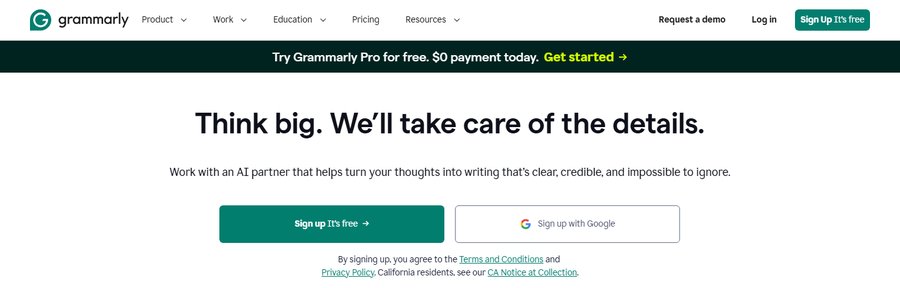
Grammarly checks spelling, grammar and tone as you type, in your browser, Word, Google Docs and on your phone. The free plan already fixes mistakes and shows how your text sounds.
Pro adds full-sentence rewrites, tone adjustment and a feature to help you write fluently in English. Grammarly is now part of the Superhuman suite, so you may see that name on its site.
Best for professionals who write in English all day and want help everywhere.
QuillBot
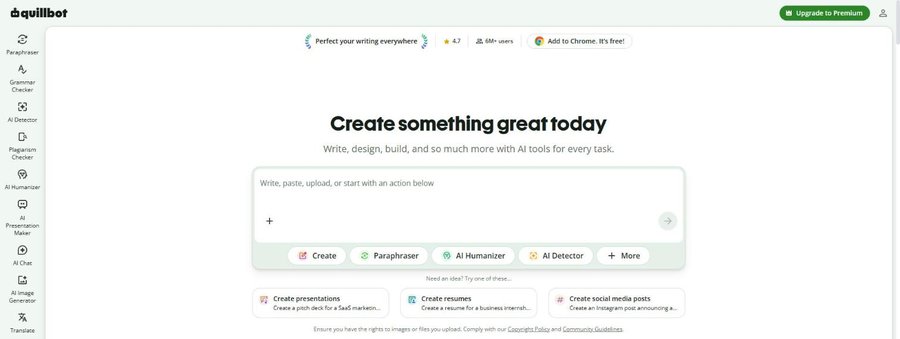
QuillBot is best known for its paraphraser. You paste a sentence and it rewrites it in the mode you choose. The free plan covers up to 125 words in 2 modes, Standard and Fluency.
Premium unlocks unlimited paraphrasing, 9 modes and your own custom modes, plus advanced grammar suggestions, tone insights and longer summaries.
Best for writers whose text is correct but sounds translated.
LanguageTool
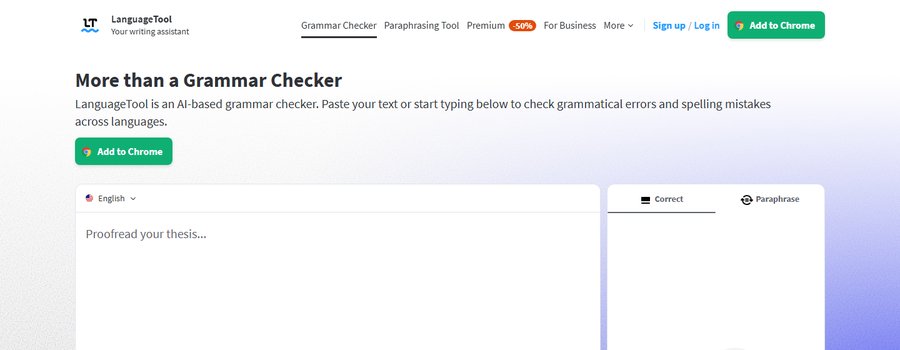
LanguageTool checks grammar, punctuation and style in more than 30 languages, with add-ons for your browser, Gmail, Outlook, Google Docs and Word. The free plan checks up to 2,000 characters at a time, enough for a short email.
Premium raises the limit to 150,000 characters, adds deeper style checks and unlimited AI paraphrasing. There is a 14-day money-back guarantee.
Best for people who switch between English and another language at work.
Before and after: one email sentence
Here is a sentence we wrote ourselves to show the kind of fix these tools suggest. It mixes common slips from people who think in another language.
Before: “Please find attached the report, kindly revert me until friday if you have any doubts.”
After: “I have attached the report. If you have any questions, please reply by Friday.”
- Grammar. “Until” becomes “by”, and “Friday” gets a capital letter.
- Word choice. “Revert” and “doubts” become “reply” and “questions”, which are clearer to more readers.
- Clarity. One long sentence becomes two short ones, with one idea each.
Do not accept every suggestion. Read the new version out loud and keep it only if it still says what you mean.
Which one should you pick
Install the free version of one tool in the place where you write the most, usually your browser or Word. Use it for a week on real emails. If you keep rewriting whole sentences by hand, try QuillBot or Grammarly Pro. If you also write in another language, start with LanguageTool.
Want to improve your English itself, not only your texts? See Babbel and Preply in the AI Mentor directory, or read our guide How to Learn a New Language with AI in 15 Minutes a Day.
FAQ
Is Grammarly free?
Yes. The free plan checks spelling and grammar, shows your tone and includes 100 AI prompts a month. Full-sentence rewrites and tone adjustment need Grammarly Pro.
Which tool works in languages other than English?
LanguageTool checks more than 30 languages. QuillBot paraphrases in 23 languages and checks grammar in 6. The Grammarly plans page only talks about English.
Is it safe to paste work emails into these tools?
Read the privacy terms and your company policy first, and leave out confidential data. LanguageTool says texts written with its browser add-on are usually not saved, and Grammarly offers extra security controls on Enterprise.
Keep reading: How to learn a new language with AI in 15 minutes a day · How to automate repetitive work without writing code · All grammar and style tools.